Your first session
Press the New Session button, or ⌘J. Describe the change in plain language, pick a
model, and start.
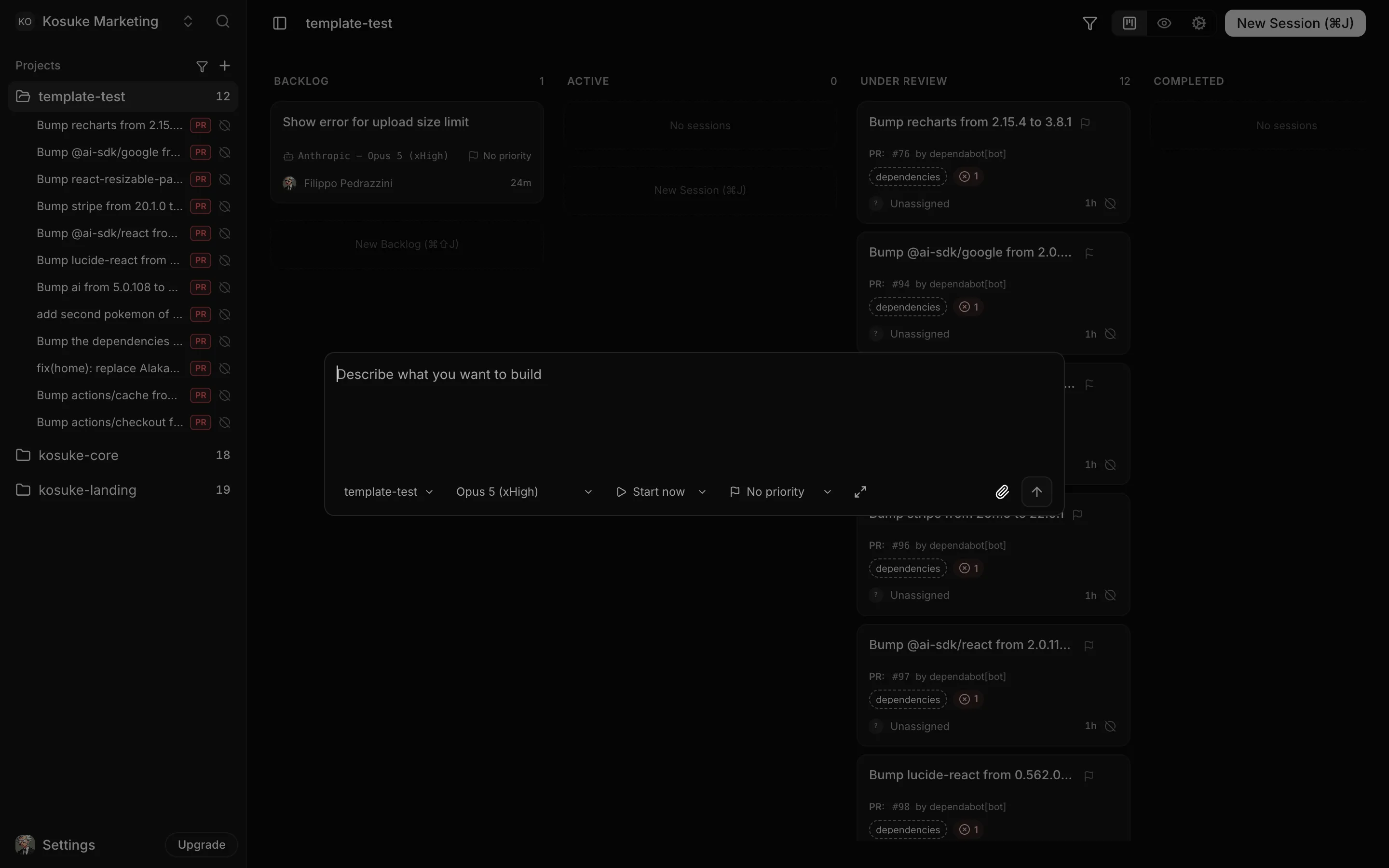
The session gets its own branch and its own sandbox, so it never touches the main one and never collides with another session. Model and reasoning effort are per session: reach for a heavier model on hard work, a lighter one on mechanical edits. Choosing Backlog instead of Start now writes the session down without spending anything, ready to start later.
While the agent works you can watch the preview, read the diff, and comment on any line. Sending another message mid-turn steers it rather than restarting it, so a correction lands in the work already happening.